Free download · DoorDash · Uber Eats · Grubhub
Free review stickers for your DoorDash, Uber Eats and Grubhub bags
Most delivery customers never leave a review. A sticker inside the bag asks at the right moment, when the food arrives, and tells them exactly which app to open.
- One sticker for each app, so customers know where to leave the review
- Print-ready 3.5-inch round files (PDF and PNG), plus versions with a spot for your logo
- Built around review replies: every review gets a reply with money off the next order
What's in the pack
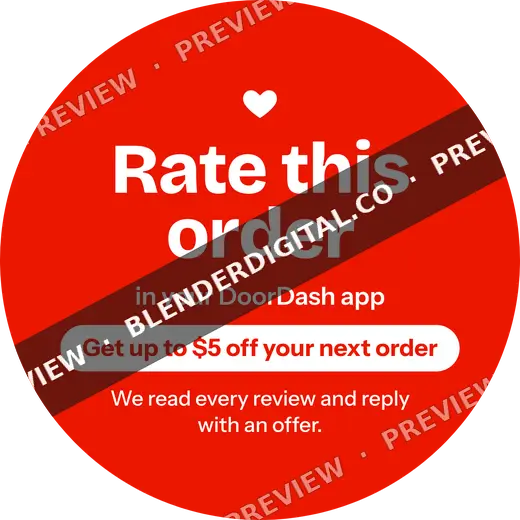
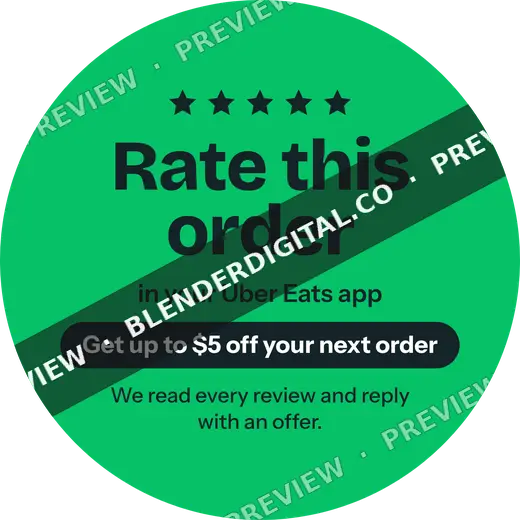
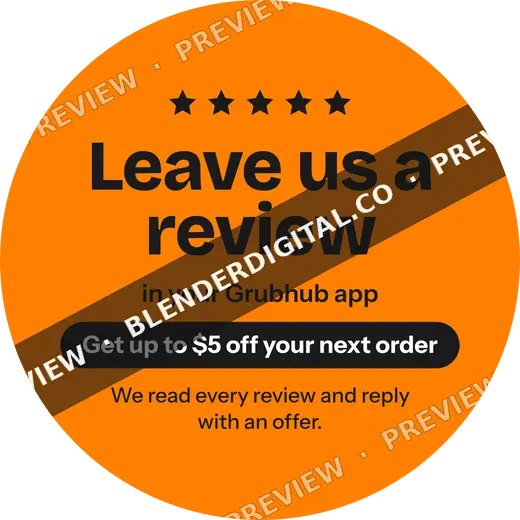
Six stickers, two for each app
Each app gets a ready-to-print version and a version with a marked spot for your logo. Previews below are watermarked; the download is clean and print-ready.
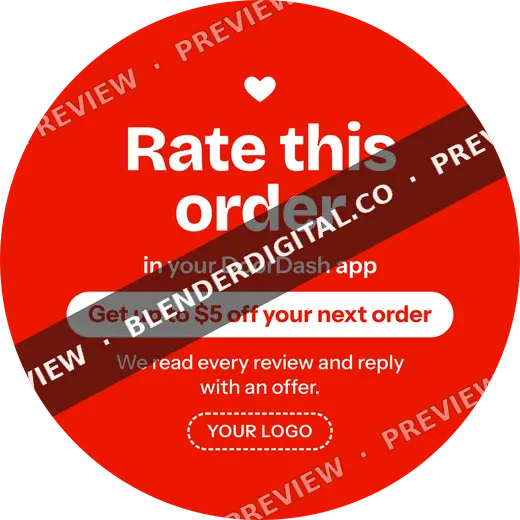
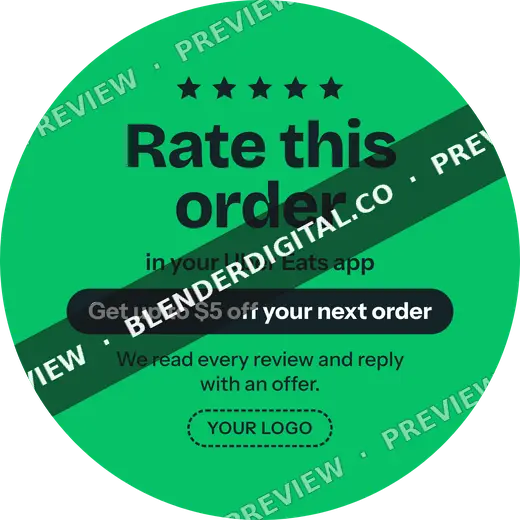
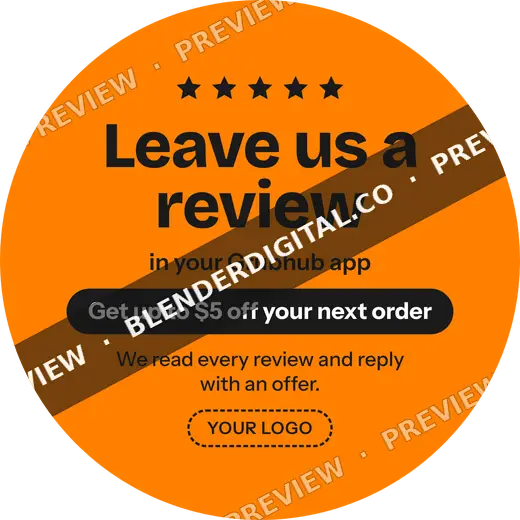
Uber Eats reviews in the first month after one restaurant we manage started putting stickers in its bags. The share of orders with a review went from 6% to 16%.
How to use them
How to get more reviews with bag stickers
- Pick the sticker for each app you're on: DoorDash, Uber Eats or Grubhub.
- Add your logo if you want to, using the versions with a logo spot.
- Print them as 3.5-inch round stickers on sticker paper, or send the PDF to any print shop.
- Put the matching sticker inside every bag for that app, on the container or receipt.
- Reply to every review, and attach an offer where the app allows it, so the sticker's promise holds.
- Keep it going until you have a healthy number of reviews, then lower or retire the offer.
The short version
Why a sticker works when the app's prompt doesn't
Most orders never get a review
The apps ask customers to rate the order, but many skip it or only tap a rating. On one Grubhub store we manage, about 5% of orders got a rating and none got a written review.
The sticker asks at the right moment
The customer sees it as they open the food, which is when they're most likely to have something to say.
It names the app
Reviews live in the app the customer ordered from. A sticker for each app removes the guesswork.
The reply closes the loop
Reply to every review, with an offer where the app allows it. Our free Review Reply Playbook has the words and the amounts.
FAQ
Review sticker questions, answered
Do bag stickers really get more delivery app reviews?
Yes, in our experience. Most customers never leave a review unless something prompts them. A sticker in the bag asks at the moment the food arrives. At one restaurant we manage, Uber Eats reviews went from 2 to 24 in the first month after adding bag stickers, and the share of orders with a review went from 6% to 16%.
Why is there a separate sticker for each app?
The customer has to leave the review in the app they ordered from. A sticker that names DoorDash, Uber Eats or Grubhub tells them exactly where to go, so put the matching sticker on each app's orders.
Where should the sticker go?
Inside the bag, on the food container or the receipt, where the customer sees it when they open their order. Don't put it on the outside of the bag.
Should I put a QR code on the sticker?
No. A QR code can't open the review screen for a specific order, so it adds a step without helping. The sticker just needs to tell the customer which app to open.
Is it okay to offer money off for a review?
Ask for honest reviews and treat every review the same way: reply to each one, good or bad, with the same kind of offer. Never ask only happy customers to review, and never make the offer depend on a good rating.
Can I add my own logo?
Yes. The pack includes a version of each sticker with a marked spot for your logo. Place your logo over it in Canva or any image editor before you print.
What size should I print them?
The stickers are designed as 3.5-inch circles. The PDF is set up at exactly 3.5 inches, and the PNG files are high resolution for any sticker printer or print shop.
Are the review stickers free?
Yes. Enter your email and restaurant name and you can download all six files straight away.
Grab the stickers
Free, print-ready, and yours the moment you hit submit.
Rather have someone reply to every review for you? See our review management service.